Web Development
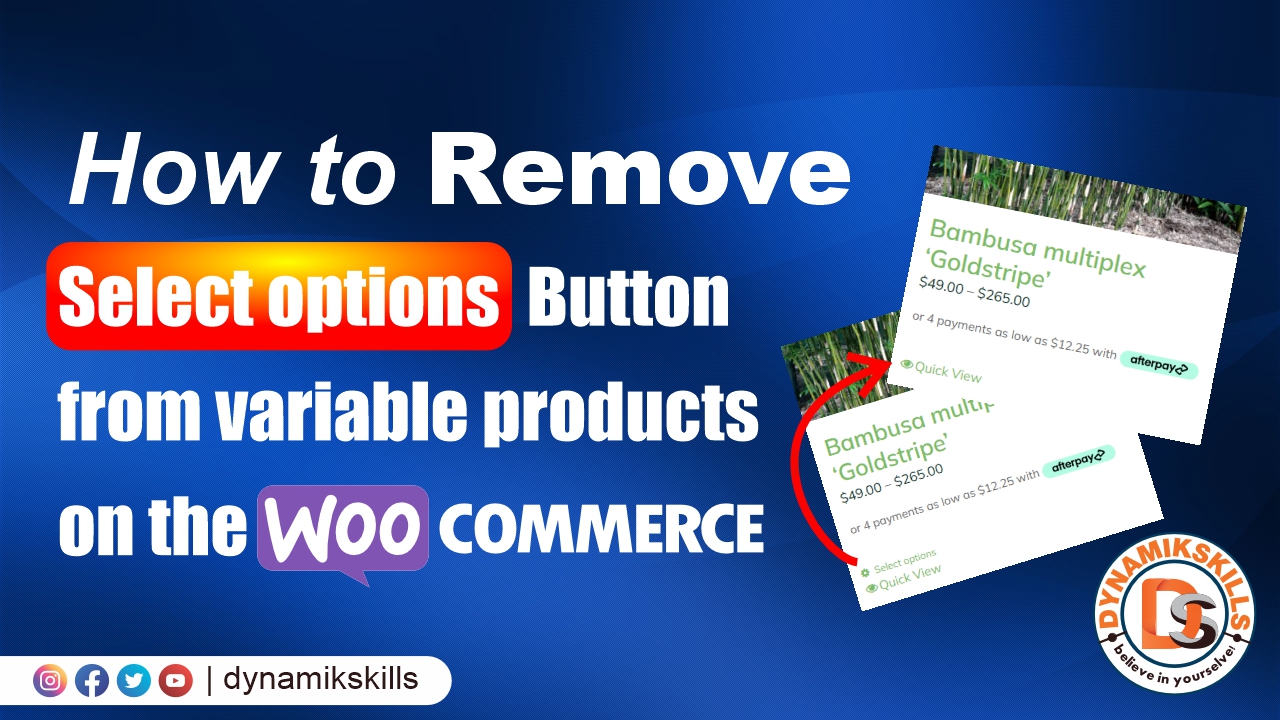
How to remove “Select options” button from variable products on the WooCommerce category or shop page

In this article we will know how we can tackle and remove “select option” for variable product in Woocommerce category pages or shop page.
Just place the following code to Add the following in theme’s functions.php
// Remove "Select options" button from (variable) products on the main WooCommerce shop page.
add_filter( 'woocommerce_loop_add_to_cart_link', function( $product ) {

	global $product;

	if ( is_shop() && 'variable' === $product->product_type ) {
		return '';
	} else {
		sprintf( '<a href="%s" data-quantity="%s" class="%s" %s>%s</a>',
			esc_url( $product->add_to_cart_url() ),
			esc_attr( isset( $args['quantity'] ) ? $args['quantity'] : 1 ),
			esc_attr( isset( $args['class'] ) ? $args['class'] : 'button' ),
			isset( $args['attributes'] ) ? wc_implode_html_attributes( $args['attributes'] ) : '',
			esc_html( $product->add_to_cart_text() )
		);
	}

} );
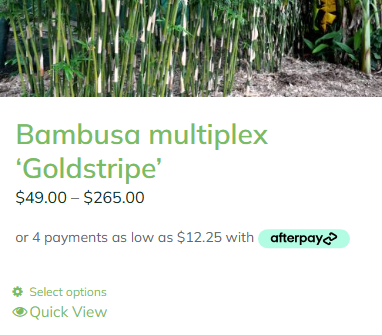
Before
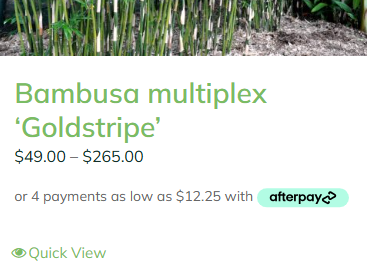
After
Like this resource?
Download thousands of premium vector files for your projects.